

Keyless, electronic, and digital door locks
These are makers' names. The maker's description says how a given lock works.
Disclosure: We may earn a commission if you buy through links on this page. It does not change our guidance. Affiliate Disclosure
Names makers use
Keyless entry, electronic, digital, touchscreen, and fingerprint are names makers use for locks that open without a key, or with a key as a backup. The maker's description says how a given lock works.
A key as a backup
Some makers include a key as a backup. The maker's manual says what backup a given lock has.
Small locks and the display rule
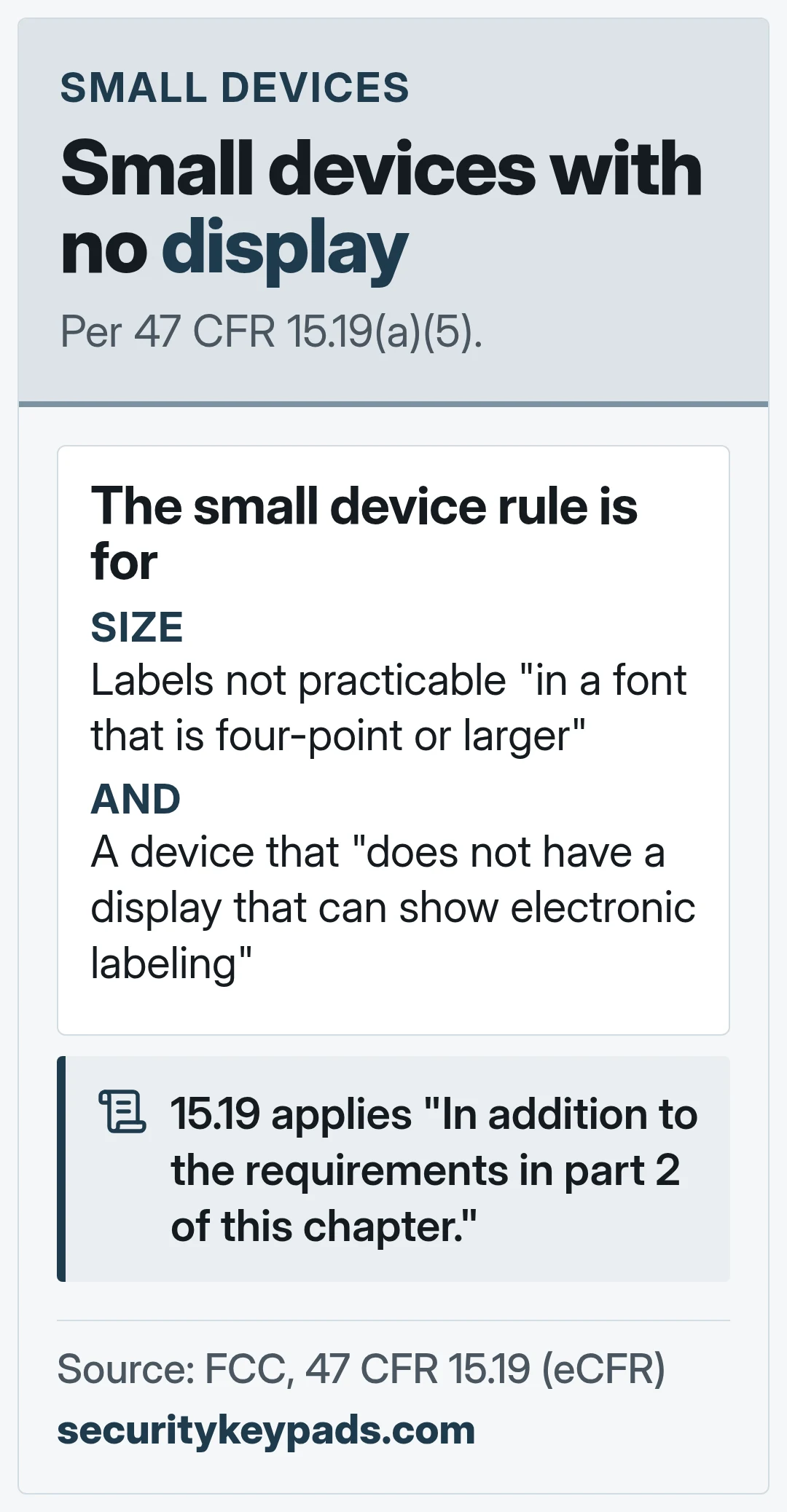
The FCC rule for small devices at 47 CFR 15.19(a)(5) covers a device that cannot carry its statement "in a font that is four-point or larger," and that "does not have a display that can show electronic labeling." For such a device, the rule says the information "shall be placed in the user manual and must also either be placed on the device packaging or on a removable label attached to the device." The section applies "In addition to the requirements in part 2 of this chapter." We quote only 15.19 and do not describe part 2.
What the name is not
An FCC statement on a device is not a statement about its security. No keypad, lock, or code can guarantee that a door will stay secure or that a break-in will not happen.
This is general information, not legal or security advice.
FAQ
General information only. No keypad, lock, or code can guarantee that a door will stay secure or that a break-in will not happen. Keep codes private, change any code you have shared, and follow the maker's instructions. Before you put a keypad or lock on a door people use to leave a building, check with your local building or fire official. In an emergency, call 911.



Next: keypad door locks
Deadbolts and handles with keys.
